Licensing: Background
The concept is that Licenses are captured and requested online on TWM by importers then approved by ministries online also, during this approval operation TWM generates a License number. The importer who owns the licenses that he requested is able to retrieve them and print them in order to hand over the corresponding details to the declarant.
Accesing eLicences using Find option
|
Step 1
|
Access TWM using user name and password
|
|
Step 2
|
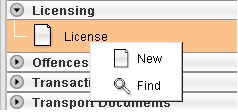
From the document library, select option "Licensing "
|
|
Step 3
|
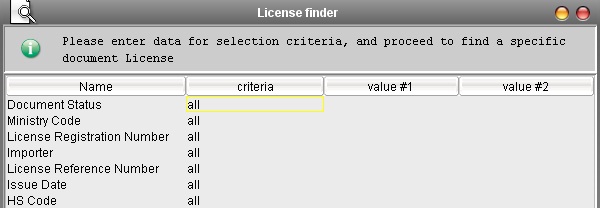
From the Licensing option, right click and select FIND
to open the finder.
|
Main Form
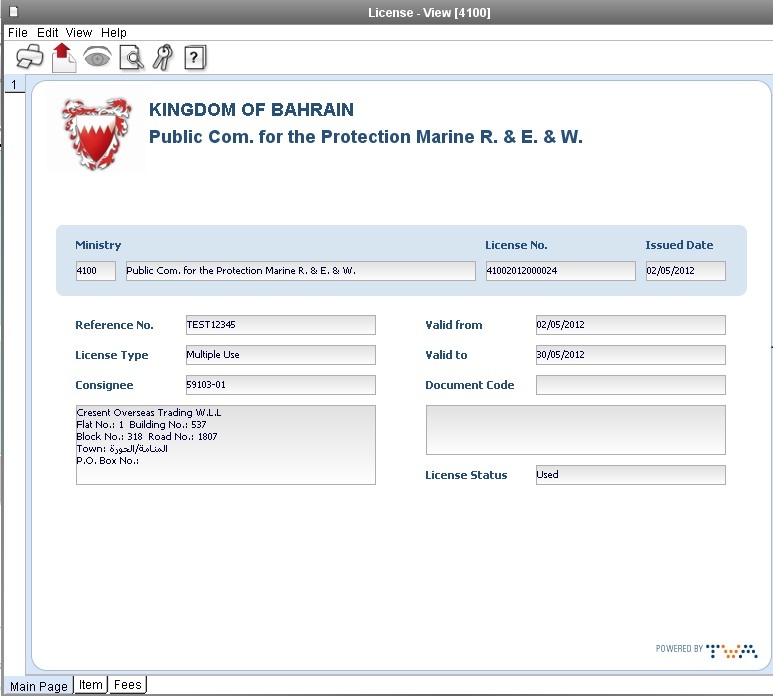
Main Form Fields
All field are mandatory, descriptions are coming from reference tables.
Ministry code and designation

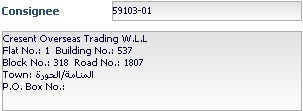
Consignee code and designation
License No: generated by the system at approval (action approve, number consists in ministry code + serial number)
Issued date: date of creation of the document

Reference No: this is the ministry internal number .

License type: Single use/multiple uses drop down list, all items of the license will inherit from the mode described here. If Single Use, we can only use once each item of the license.

Valid from: Date of validity, migrated data will have 'Start Date' column.

Valid to: Expiry date. Can be modified after approval (extend License Validity)

Status: Status of the eLicense

Back to Top
Item Form
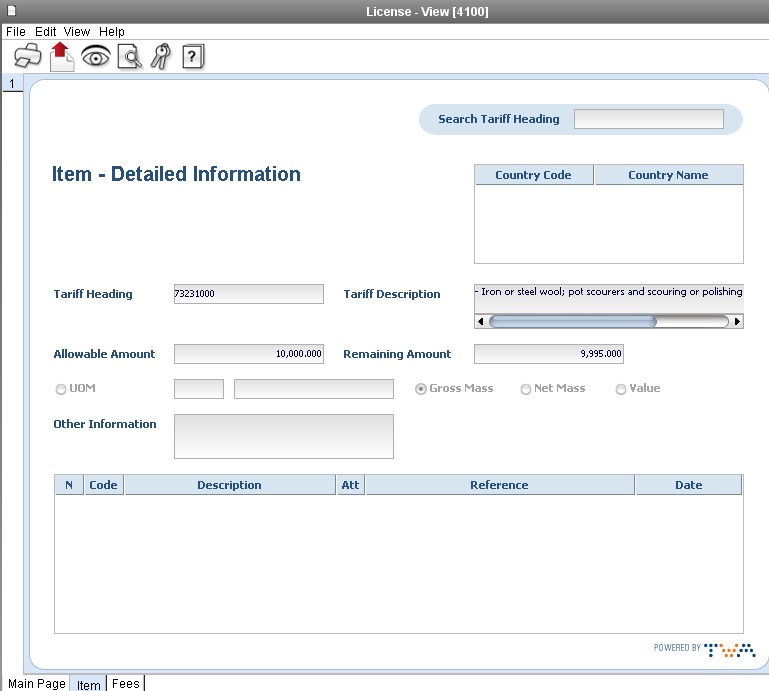
Item Form Fields
Tariff Heading: Tariff code on 10 chars

Tariff description: Coming from tariff ref. table.

Remaining Amount: this field is not reachable, it contains the remaining amount on the Allowable Amount, it is equal to the Allowable Amount at creation and will be decreased after declaration write off
Radio buttons:
- Unit of measurement: Default value at creation, when selected, the cursor should go to the UoM code field on the right side of it. We have access to the UoM codes available for that HS code as a drop down list. Most of the time there will be only one or none from the tariff. If none this radio button should be disabled, if only one, the system should populate the field with the unique UoM when radio button selected, erased when unselected.
- Gross Mass: The remaining Amount will be deducted by the gross mass on the Customs declaration item.
- Net Mass: The remaining Amount will be deducted by the net mass on the Customs declaration item.
- Value: The remaining Amount will be deducted by the CIF value on the Customs declaration item (also called Statistical Value)
Tabs
When we have multiple items on the License, all items are represented as TABS of the item form (not the Main form).

Search Facility
This facility is present on all items and allows a quick search of one or two items containing the specific Tariff Heading, after having entered the Tariff code and pressed ENTER; the system will color in red the tab containing the Tariff code. The user will be free to go to the corresponding tab or stay on the same.

Back to Top
View History
This button is placed on each item of the license.
It describes the history of the item in reverse order as movement date (most recent on top):